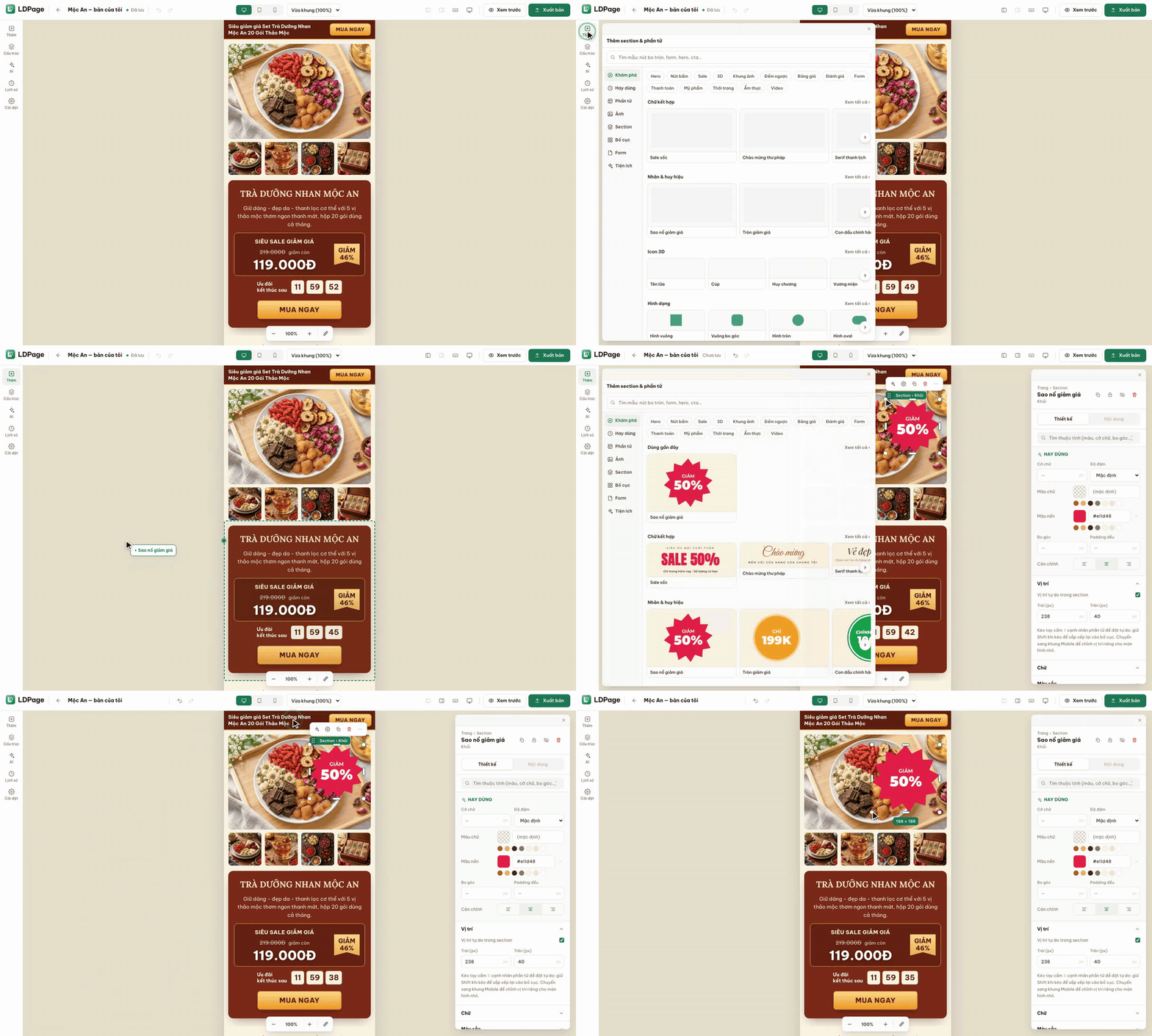
The Add sections & elements panel is organised into clear groups. Elements include text, buttons, images, galleries, boxes, icons, labels & badges, video, maps & fanpages, tabs, accordions, tables, menus, reviews, countdowns, marquees and custom HTML. Ready-made sections cover hero, features, partners, process, stats, testimonials, FAQ, pricing, offers, team, contact and footer.
The Images group holds almost 1,400 stock photos grouped by industry such as fashion, cosmetics, food, home and education. The Forms group has contact, order, newsletter and booking forms. Utilities add popups, a sticky CTA bar, floating call/Zalo buttons, back-to-top, notice bars and reveal-on-scroll effects.
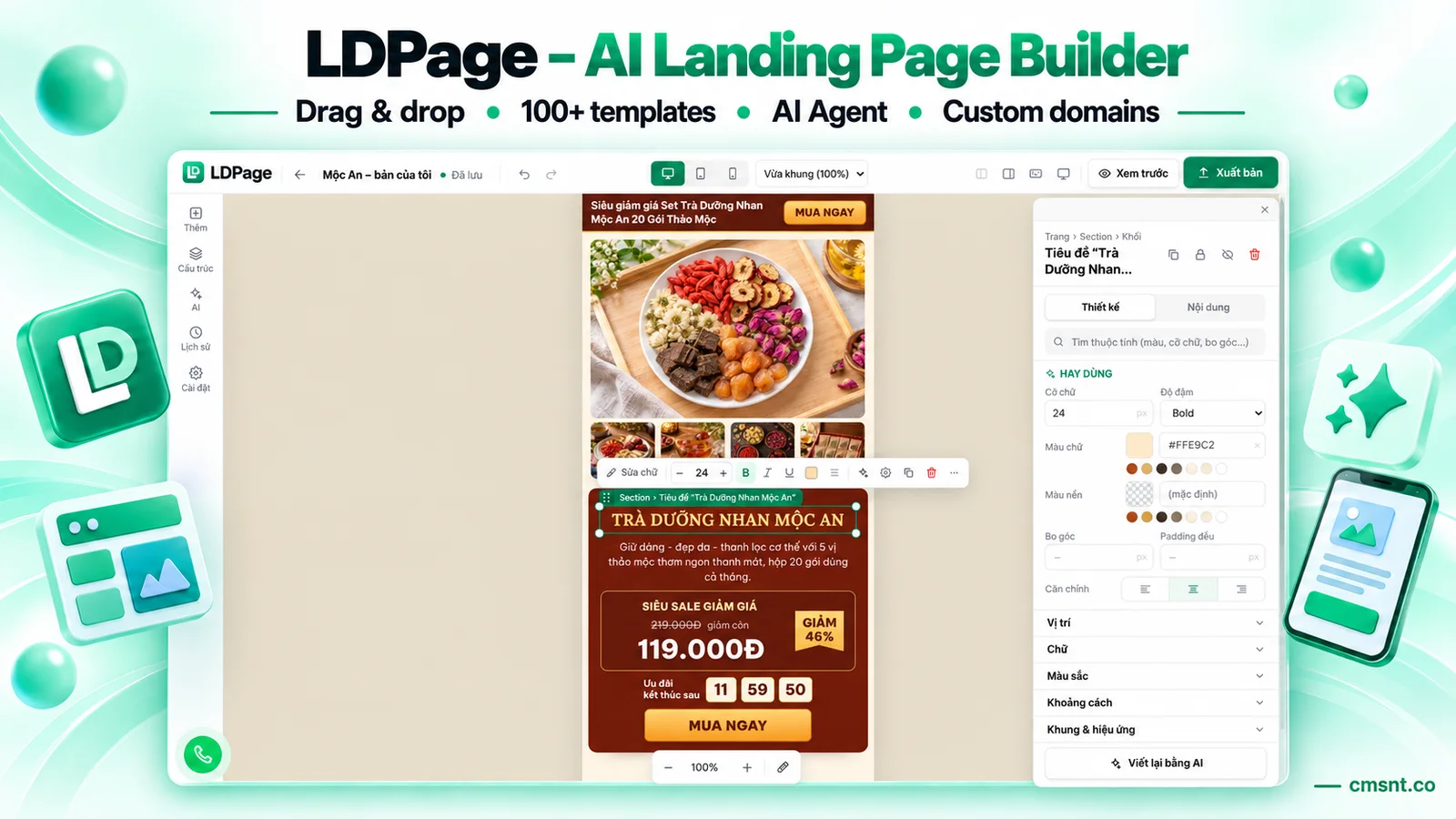
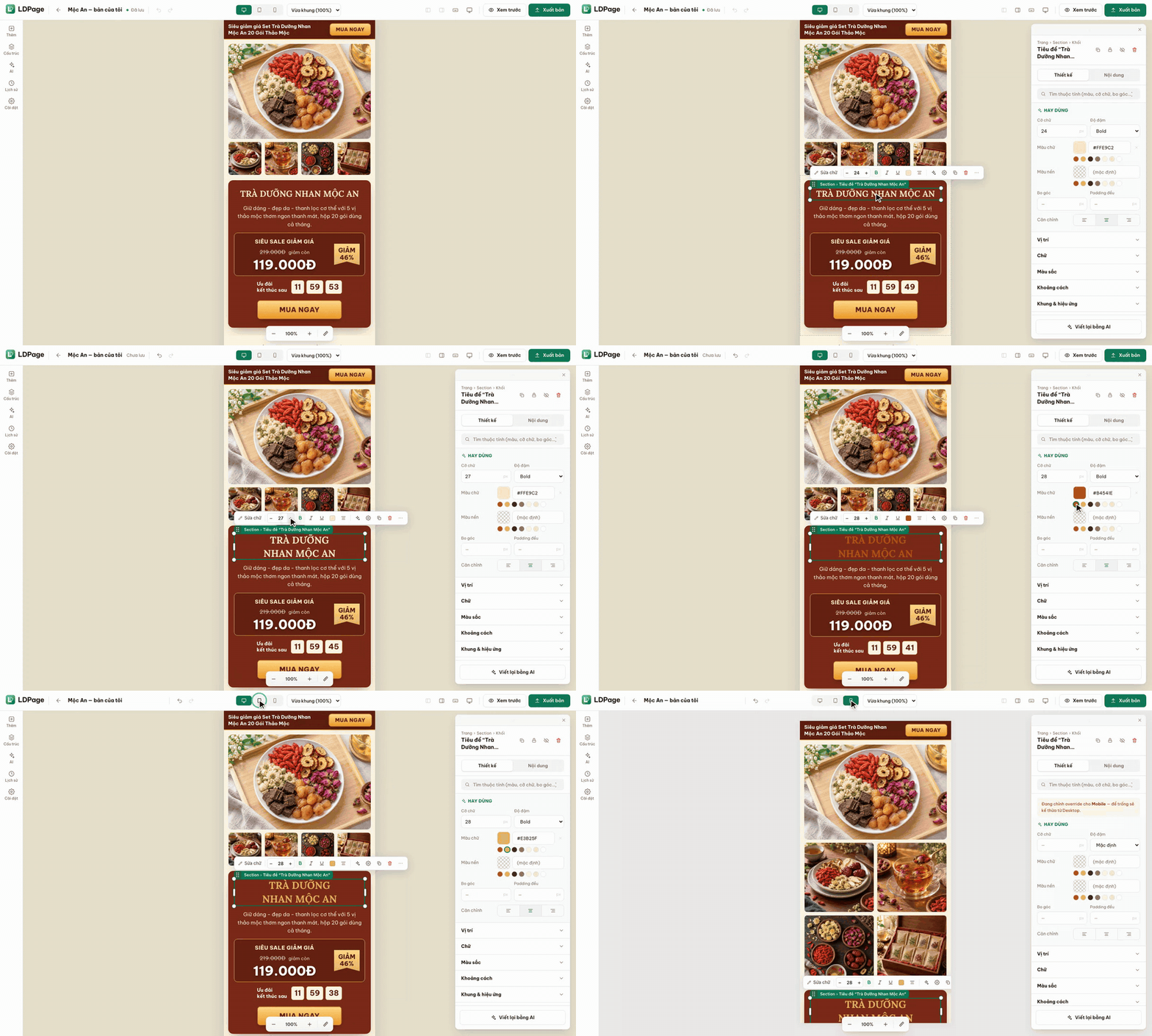
Click a preset and the element is added to the middle of the current view, or drag it exactly where you want. Elements are freely positioned inside the section: drag to move, type exact Left/Top coordinates under Position, and change background colour or font size from Frequently used. The mobile frame keeps its own positions for small screens.

 MMO source codeNew