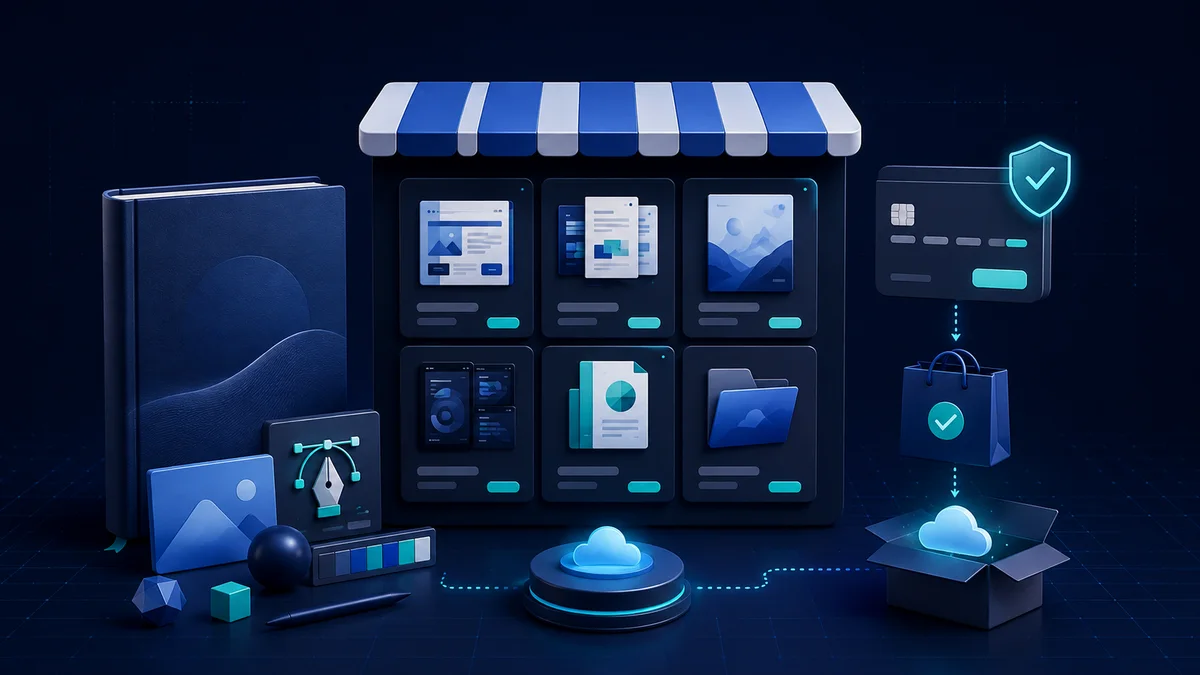
The first version of a template or ebook is easy to create but far from easy to sell. Customers are not buying a PDF or a set of layouts; they are buying saved time, fewer mistakes or a result they can reach faster.
A profitable store rarely starts with hundreds of products. It starts with one set of resources that solves one job very well, then expands based on how customers actually use it and what they keep asking for.
In this article we move from demand research and a first version to pricing, the sales page, file delivery, licensing and profit tracking. The goal is a small system that actually works, rather than months of building a product only to find the market did not need it.
How templates, ebooks and resource packs differ
A digital product is content or a tool delivered over the internet that can be sold many times without being produced again. An ebook suits knowledge that needs a sequence; a template helps a customer start a task quickly; a resource pack usually combines several files such as design assets, checklists, data, video and instructions.
A near-zero copying cost does not automatically mean high profit. You still pay for research, design, updates, support, payment fees, tax and customer acquisition. The more the product depends on external software or regulation, the higher the maintenance cost.
- Ebook: suits a method, a chaptered guide or knowledge that needs deep explanation.
- Template: suits repeated outputs such as plans, designs, reports, emails or processes.
- Resource pack: suits customers who need several components working together to finish a job.
- Membership: suits regularly updated resources, but demands a release schedule and long-term support.
Choose the product from real demand
Ideas worth testing usually show up in repeated questions, time-consuming steps or mistakes a group of people keeps making. Look for demand in support emails, comments, professional communities, one-star reviews of competing products and the work you have done for clients.
Do not just ask "would you buy this?" — a polite answer is worth little. Ask about the last time they hit the problem, how they handle it now, how much time or money it costs and why the current solution falls short. Past behaviour is far more reliable than a general intention.
- Forms you keep recreating for different clients.
- Documents that stop a beginner from making a chain of common mistakes.
- A design set for one specific industry or situation.
- Data, checklists or calculators you can update periodically.
- A many-step manual process that can be standardised into templates and instructions.
Note: Favour a specific, frequent problem tied to a valuable outcome. "Templates for every business" is harder to sell than "20 win-back emails for digital product stores".
Validate the idea before you invest weeks
- 01
Interview 5–10 of the right people
Learn the situation, the current process, the cost of the problem and the language they use to describe it.
- 02
Write a short description page
Present the audience, the outcome, the planned contents, a test price and a button for interest or a conditional pre-order.
- 03
Build a representative sample
Create one chapter, three templates or a small section — enough for customers to judge the quality and how it is used.
- 04
Watch people try it
Let them work through it themselves and note where they stop, what they ask and what they skip, instead of explaining right away.
- 05
Set the go/no-go criteria
For example, how many testers complete the task, how many relevant sign-ups or how many pre-orders you need in a given period.
Build a first version that is usable, not enormous
Pick one use case and finish it completely. A well-organised set of 15 templates with instructions and examples is usually more useful than 200 scattered files. The first version must carry a customer from "I do not know where to start" to a small, verifiable result.
Before selling, ask a few people from the target group to try it without you explaining alongside them. If everyone asks the same question, fix the documentation or the interface rather than preparing a support answer you will repeat forever. Record the version number and update date so customers know what they have.
- A clear folder structure, consistent file names and no leftover drafts.
- A quick-start document that says which file to open first.
- A pre-filled example so customers see what a finished output looks like.
- A list of the tools, fonts or software needed before use.
- Version information, support scope and how to get updates.

Package it so customers can use it right after downloading
Quality is not only about content. An ebook that is hard to read on a phone, a template using fonts the customer does not have, or a folder of hundreds of unsorted files all create support costs. Export test copies on several devices and use a fresh account to walk the whole experience like a real customer.
- PDFs should have a table of contents, working links, a readable font size and a sensible file size.
- Templates should include a safe master copy, an example version and instructions to duplicate before editing.
- Preview images must reflect the actual files, without exaggerating the quantity or the features.
- Archives need an error scan and an extraction test on Windows and macOS if you serve both.
- Important content should have a backup format in case the main tool changes or shuts down.
The sales page must answer 6 questions
A sales page should help the right person decide for themselves and help the wrong person leave before buying by mistake. Open with a concrete situation, then present the outcome, preview images, what is inside the package and the terms of use. Avoid phrases like "life-changing" if the product solves one small task.
- Who is this product for, and who is it not for?
- Which job does it solve, and in what situation?
- What files, formats and rights does the customer receive?
- What tools, accounts or skills are needed to use it?
- Are there updates, support and refunds?
- Does the licence allow personal, commercial or client use?
Note: Use screenshots and short videos of the real product. A polished mockup attracts attention but cannot replace a preview clear enough for the customer to judge the content.
Price on value and cost to serve
Price should not be based on page count or number of files. Calculate the time the customer saves, the price of the alternative, the support cost, payment fees and what it costs to acquire a customer. A template that saves a sales team a few hours each week is worth something different from a wallpaper pack for a personal hobby.
You can offer a basic tier, a full tier and an extended licence, but the difference between tiers must be obvious. If three tiers differ by only a few small files, customers waste time comparing and start doubting the pricing. Start simple, then split tiers when the data shows genuinely different customer needs.
- The floor price must cover payment fees, expected refunds, support and selling costs.
- A reference price can be based on time saved or the cost of hiring someone to do it.
- A licence for client work or multiple team members should cost more than a personal one.
- Discounts need a real reason and a real deadline; never run a fake countdown timer.
- Track profit per order, not just total campaign revenue.
Write a clear licence before you open sales
Customers need to know whether they may edit, print, use it in a commercial project, use it for their own clients or share it with colleagues. A short licence page in plain language reduces disputes and support questions. State the prohibited actions separately: reselling the original files, sharing them publicly or using the resources inside a competing product.
You must also hold the distribution rights to every component inside the product: fonts, images, icons, mockups, code snippets and data. A "commercial use" licence does not always allow the resource to be placed inside a template that you resell; read each source's exact terms.
Automate delivery without forgetting the experience
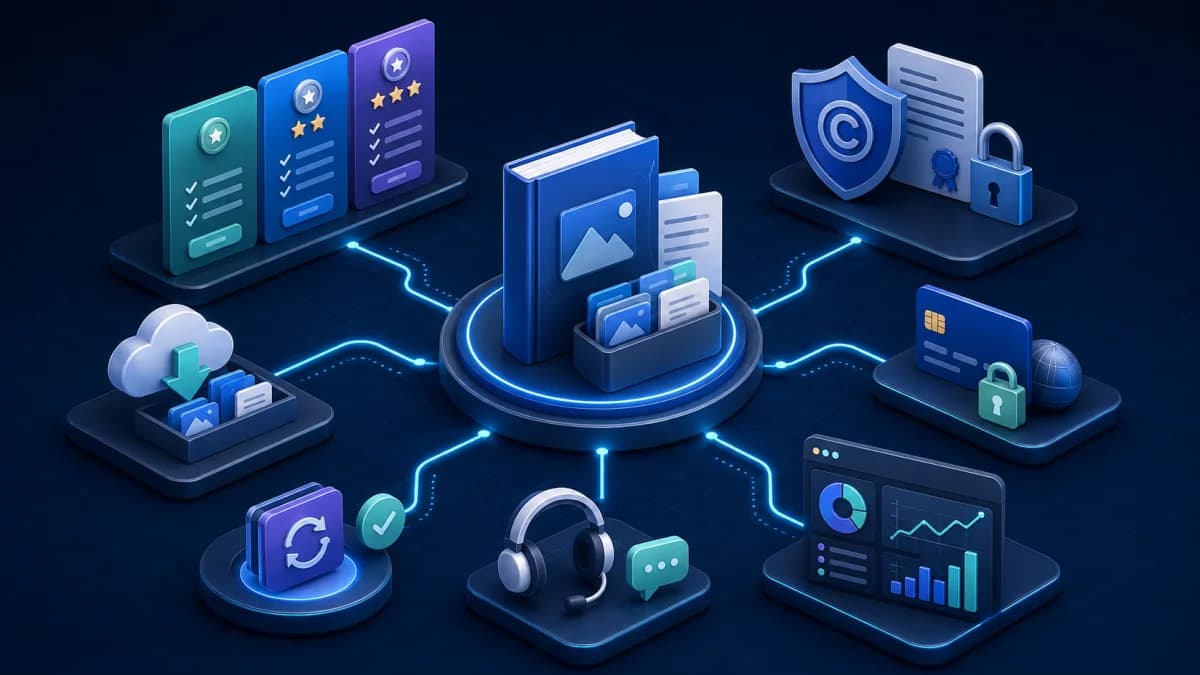
The basic flow is a checkout page, a transaction confirmation, a receipt email, a controlled download link and getting-started instructions. Buy from yourself with a different account and test the successful transaction, the failed one, a refund, and the case where the email lands in spam.
Automate the repetitive parts so you can spend time on the product and on hard support cases. Even so, there must be a clear contact channel for expired links, faulty files or a customer who bought the wrong version. Do not let "instant delivery" become an experience with nobody accountable.
- Send the confirmation and download link immediately after a valid payment.
- Set a sensible download limit and have a process to reissue it for the genuine buyer.
- Include a video or quick-start document in the very first email.
- Keep a version history and announce important changes.
- Track support questions so you can fix the product itself instead of answering one person at a time.
Launch with content and feedback, not just discounts
Before launch day, publish content around the problem the product solves: guides, common mistakes, before-and-after examples and behind-the-scenes notes on building it. Invite a small group to test, gather feedback with context and fix whatever stops them reaching the result.
Treat the first launch as a learning round that happens to have revenue. Cap the goal — say the first 20 customers — so you can genuinely support and observe them. Then move to steady sales through SEO, email, tutorial content, selective affiliates or sensible bundles.
- 01
Collect an interest list
Use a clear description page and a sample file to attract the right people, rather than chasing a large but irrelevant sign-up count.
- 02
Open sales to a small group
Send an invitation that is transparent about the first version, update rights and support scope.
- 03
Watch how it is used
Ask which files they opened, which steps they completed and where they got stuck in the first few days.
- 04
Update before you expand
Fix onboarding, documentation and the sales page before raising the budget or recruiting promotion partners.
The metrics that decide whether a store is profitable
High revenue can still come with low profit if most of the money goes to ads, commissions, refunds and support. Every month, break revenue down by product and traffic source so you know which channel genuinely creates value.
- Conversion rate from the sales page and from each traffic source.
- Average revenue per order after discounts and tax.
- Payment, affiliate, advertising and support cost per order.
- Refund rate, the reasons for refunds and the share of support requests in the first seven days.
- The share of customers who buy again, upgrade their licence or return for a new version.
Note: Contribution profit per order = revenue actually received − payment fees − commissions − allocated advertising − support and expected refund costs.
A 30-day plan to reach a first version
- 01
Week 1: research
Choose a customer group, interview at least five people and collect the recurring language and problems.
- 02
Week 2: sample and validate
Build a representative section, write a short description page and watch three people try it.
- 03
Week 3: finish and package
Fix the content, write the instructions, the licence and preview files, and test on several devices.
- 04
Week 4: open a small launch
Set up payment, buy from yourself, open to the interest list and record every question from the first week.
Common mistakes when selling digital resources
- Building too many files before validating one specific need.
- Using beautiful mockups but never showing the real content and formats.
- Not stating the required software, the licence scope, updates or refunds.
- Pricing purely against competitors without counting support and acquisition costs.
- Depending entirely on one marketplace, without keeping a valid customer list and version data.
- Abandoning the product after launch day instead of updating it based on how customers really use it.