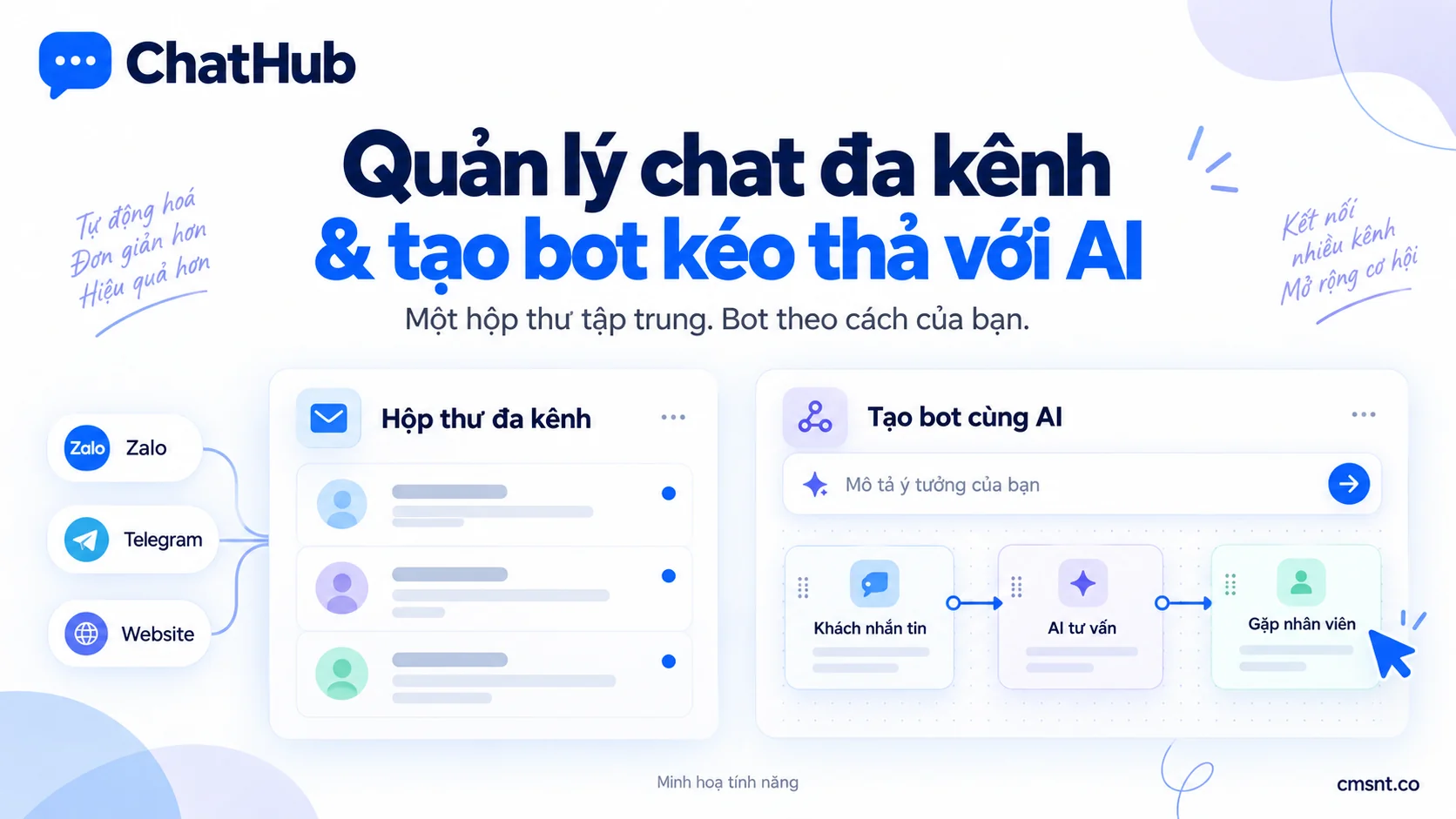
If you run an online business or provide services, you have likely experienced this: juggling Facebook Messenger, Zalo, Telegram, Discord, and website live chat all at once on your desktop. Notification chimes ping across multiple windows while staff scramble between apps to reply. Before long, messages get lost, response times stretch to half an hour, and potential buyers drift away to competitors.
Channel fragmentation strains support teams and leads to missed sales opportunities. ChatHub was designed to eliminate that friction: uniting conversations across major messaging platforms into one cohesive inbox, combined with an intuitive drag-and-drop workflow canvas and AI Agents so you can automate customer service and sales workflows with ease.
1. The Pain Points of Managing Customer Conversations Across Scattered Platforms
Customer preferences vary widely: corporate clients often communicate via Zalo, fashion and retail shoppers reach out through Facebook Fanpages or Instagram Direct, tech communities thrive on Discord and Telegram, while site visitors expect real-time answers via a Live Chat widget.
Scattering accounts across multiple apps introduces several operational headaches:
- Overlooked messages and lost leads: Peak hours and off-hour inquiries are easily buried, causing a sharp drop in sales conversion rates.
- Cross-talk and poor team collaboration: When a customer messages on Facebook and then follows up on Zalo, two agents might reply with conflicting information without knowing the customer's prior context.
- Data loss risks: Customer conversations locked inside employees' personal messaging accounts disappear whenever staff change jobs.
- Prohibitive costs for 24/7 human coverage: Keeping round-the-clock shift coverage to ensure minute-fast replies is costly, even though most incoming questions are repetitive.
2. The Unified Shared Inbox: All Messaging Channels in One Place
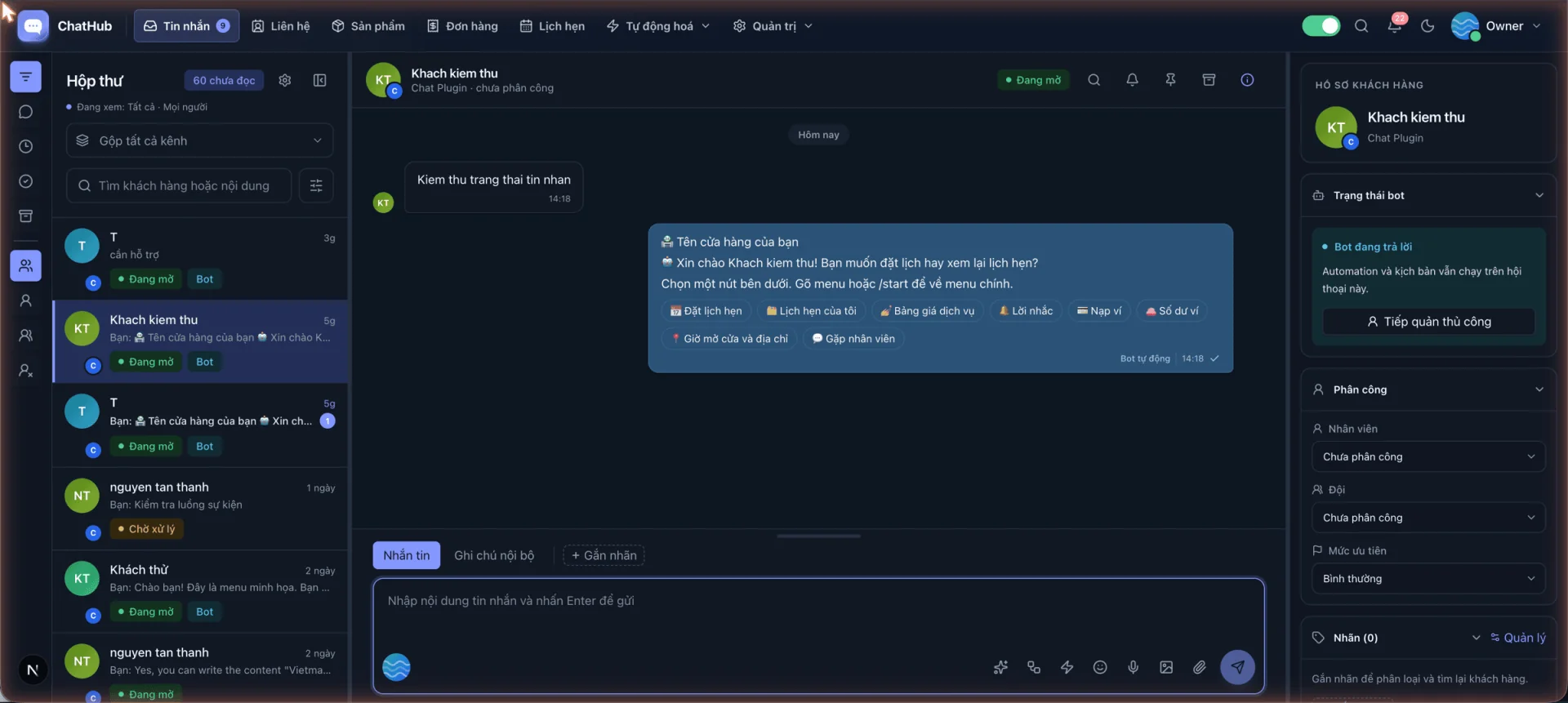
ChatHub delivers a centralized Omnichannel Inbox. Instead of installing and logging into separate software for each channel, all incoming messages from Facebook Pages, Instagram, Discord Bots & servers, Zalo personal accounts, Telegram Bots & personal accounts, and website Chat Plugins route into a single management interface.
Your support team can assign conversations, view customer profiles, assign classification tags (such as 'VIP', 'Pending Payment', 'Warranty'), and record private internal notes directly beside the chat thread.
- Clear channel origin: Every message displays an icon indicating where it came from, allowing reps to adjust tone and greeting appropriately.
- Smooth agent handover: Human agents can step in instantly when complex questions arise, then hand control back to automation without interrupting the user experience.
- Centralized customer records: Contact details, order history, and staff notes are kept together to deliver personalized support.
3. Design Custom Scenarios with the Drag-and-Drop Workflow Canvas
Traditional chatbot builders often force teams into rigid menu trees or require custom coding for advanced logic. ChatHub takes an intuitive visual approach: a drag-and-drop Workflow Canvas where you connect functional nodes to match your real-world business process.
Each block represents an action: sending text, sharing images or files, rendering interactive buttons, asking questions (name, phone, address), conditional branching (if/else), calling external APIs, or routing to human agents.
- 01
Start with Pre-built Templates
Choose from ready-made workflows such as automated digital product sales, appointment booking, warranty intake, or lead surveys to save setup time.
- 02
Drag, Drop & Connect Branches
Add condition nodes, automated replies, and interactive buttons. Easily configure what happens when a customer picks an option or when a step fails.
- 03
Test & Publish Instantly
Preview conversation flows in test mode, inspect runtime variables, and enable the workflow with a single toggle.
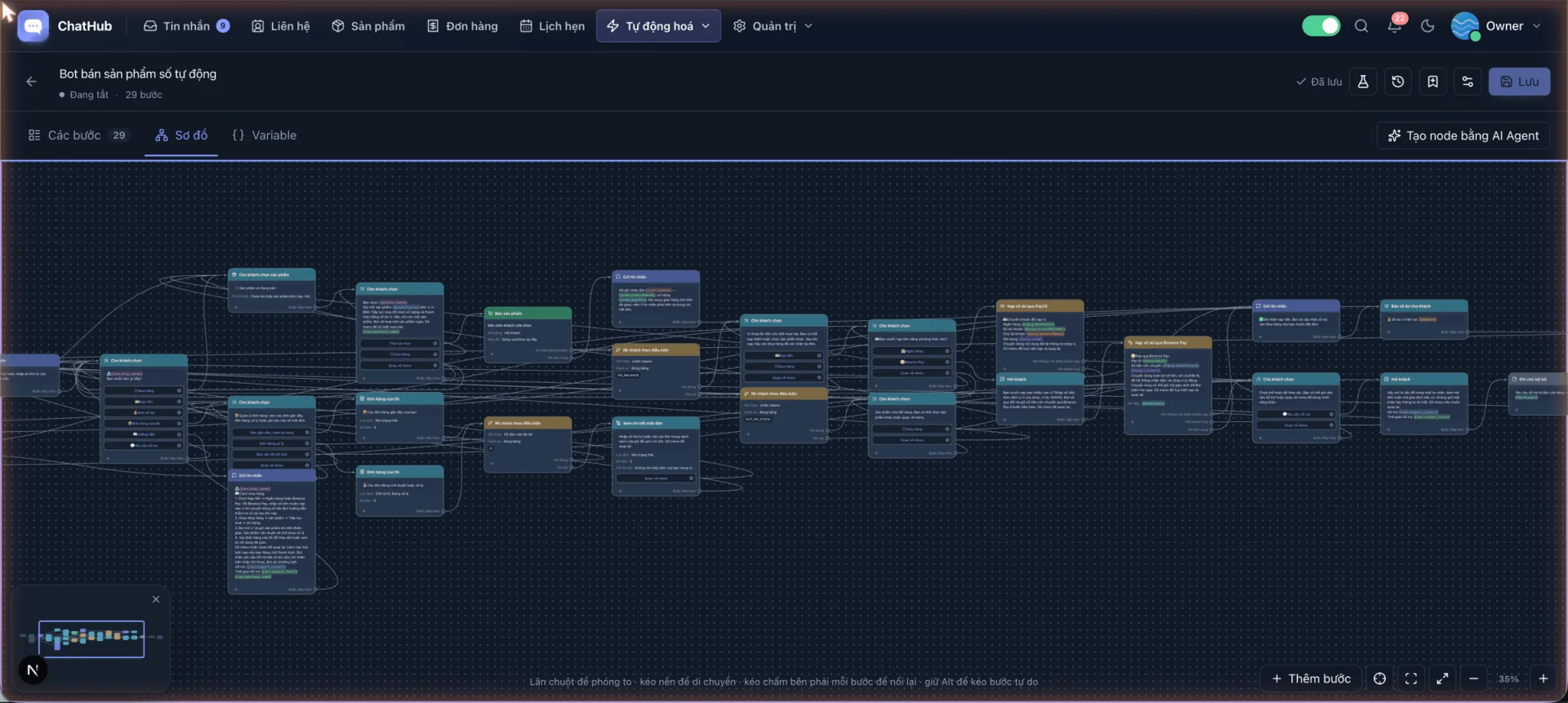
4. Watch ChatHub in Action: Shared Inbox & AI Bot Creation (Video)
To get the most intuitive grasp of how ChatHub operates in daily business, watch the real-time walkthrough video below. It shows how agents handle multi-channel inquiries, pick pre-built workflows, customize canvas nodes, and direct the AI Agent to expand bot capabilities.
- Handle and reply to incoming messages across multiple channels in a single inbox.
- Quickly initialize templates and customize branches on the visual canvas.
- Prompt the AI Agent to build conversation steps matching your exact business needs.
5. AI Agent: Contextual Knowledge-Based Customer Consultation
Rigid keyword-matching bots frustrate users by misinterpreting synonyms or returning robotic 'I don't understand' errors for minor typos. ChatHub solves this by integrating intelligent AI Agent blocks directly into the workflow canvas.
Upload product catalogs, price sheets, manuals, and frequently asked questions (FAQs) into your Knowledge Base. When customers inquire, the AI Agent references these documents to produce fluent, natural, and highly accurate answers tailored to your business rules.
- Natural language comprehension: Gracefully handles conversational speech, abbreviations, missing punctuation, and detailed questions.
- Autonomous workflow routing: When a buyer is ready to purchase or book a consultation, the AI Agent can transition the session into a checkout flow or alert a human agent.
- Model flexibility: Connect leading AI providers via your own API keys, giving you complete visibility and control over token usage.
- AI Copilot for human staff: Generates response drafts, refines tone, or translates foreign languages right within the agent compose box.
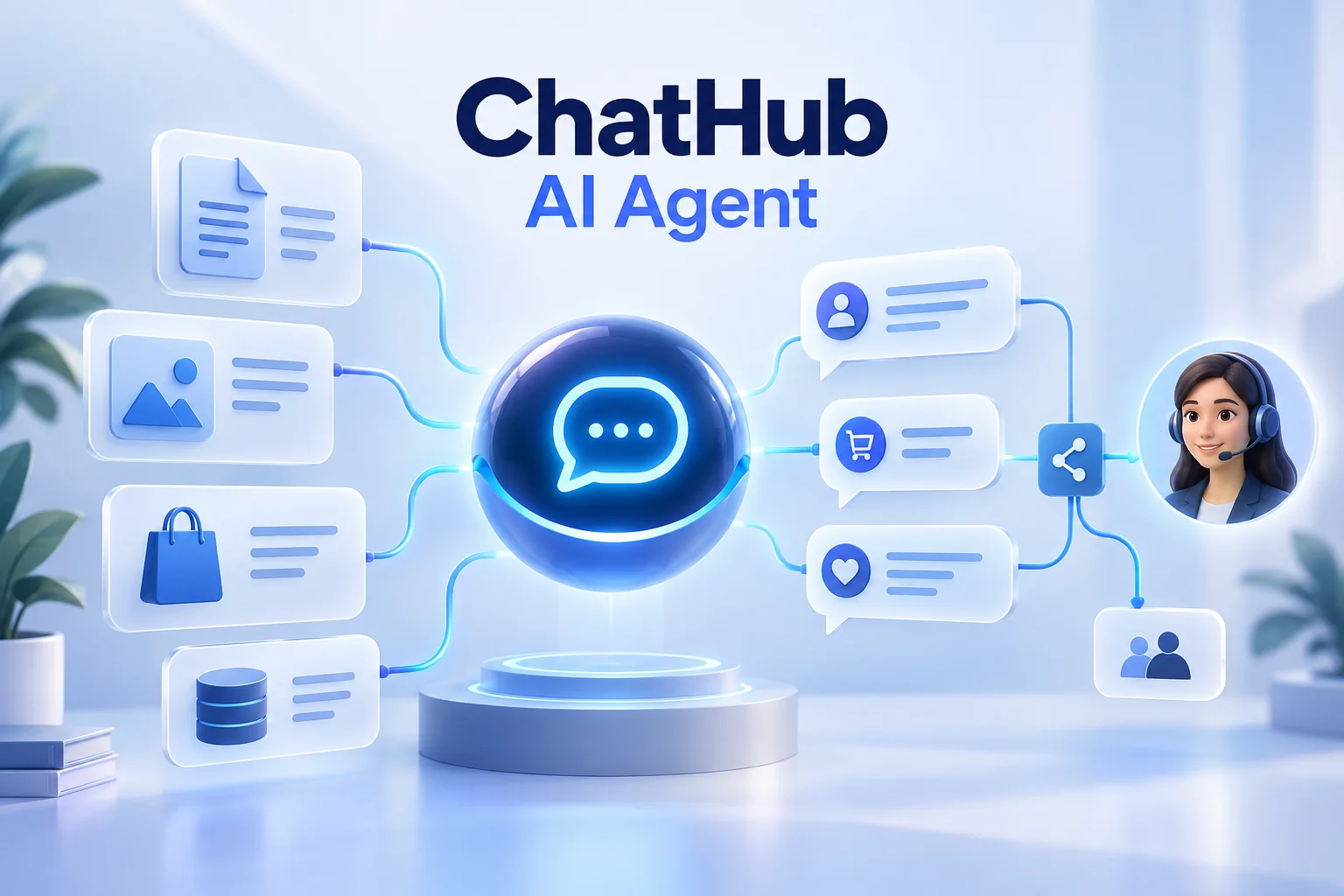
Note: ChatHub AI Agents rely strictly on your supplied knowledge base, keeping responses aligned with company policies rather than hallucinating.
6. Real-World Case Study: 24/7 Automated Digital Product Delivery
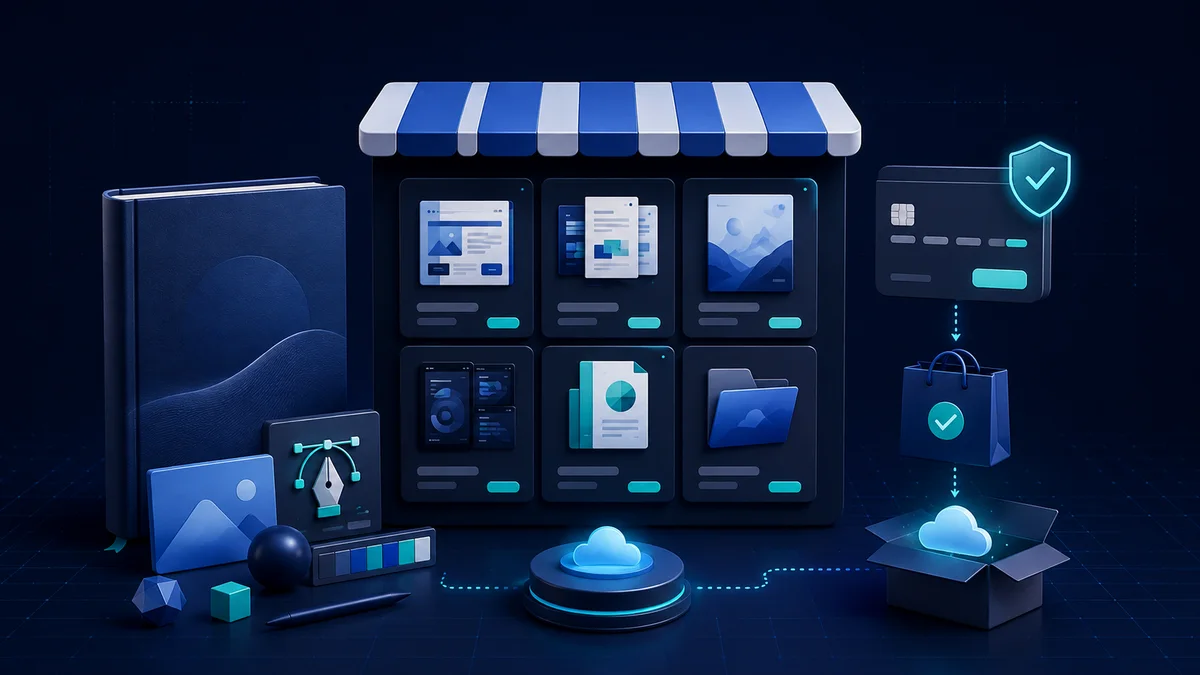
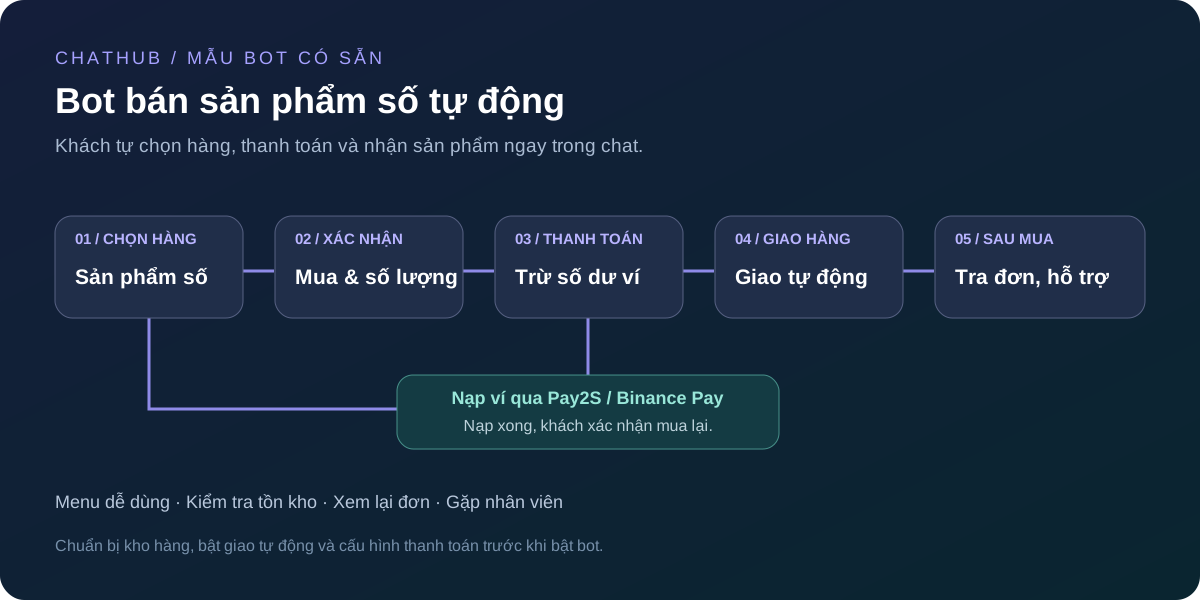
A prime demonstration of ChatHub's automation capabilities is the 'Automated Digital Product Bot' template. This setup is ideal for businesses selling software licenses, subscription keys, online courses, or digital assets.
The entire purchasing cycle runs autonomously without requiring human intervention:
- 01
Browse Catalog & Select Item
Customers view available products, real-time pricing, and stock status directly inside chat via interactive menus.
- 02
Instant QR Payment & Wallet Top-up
If wallet balance is insufficient, the bot generates a dynamic QR code for banking transfer via Pay2S or Binance Pay, crediting the balance automatically upon receipt.
- 03
Balance Deduction & Instant Key Delivery
Once confirmed, the bot draws license credentials from inventory, delivers them in the chat, and provides activation instructions.
- 04
Self-Service Order Lookup
Buyers can inspect past purchases at any time with a quick menu tap, minimizing repetitive lookup requests.
7. Embed Live Chat on Your Website in Under a Minute
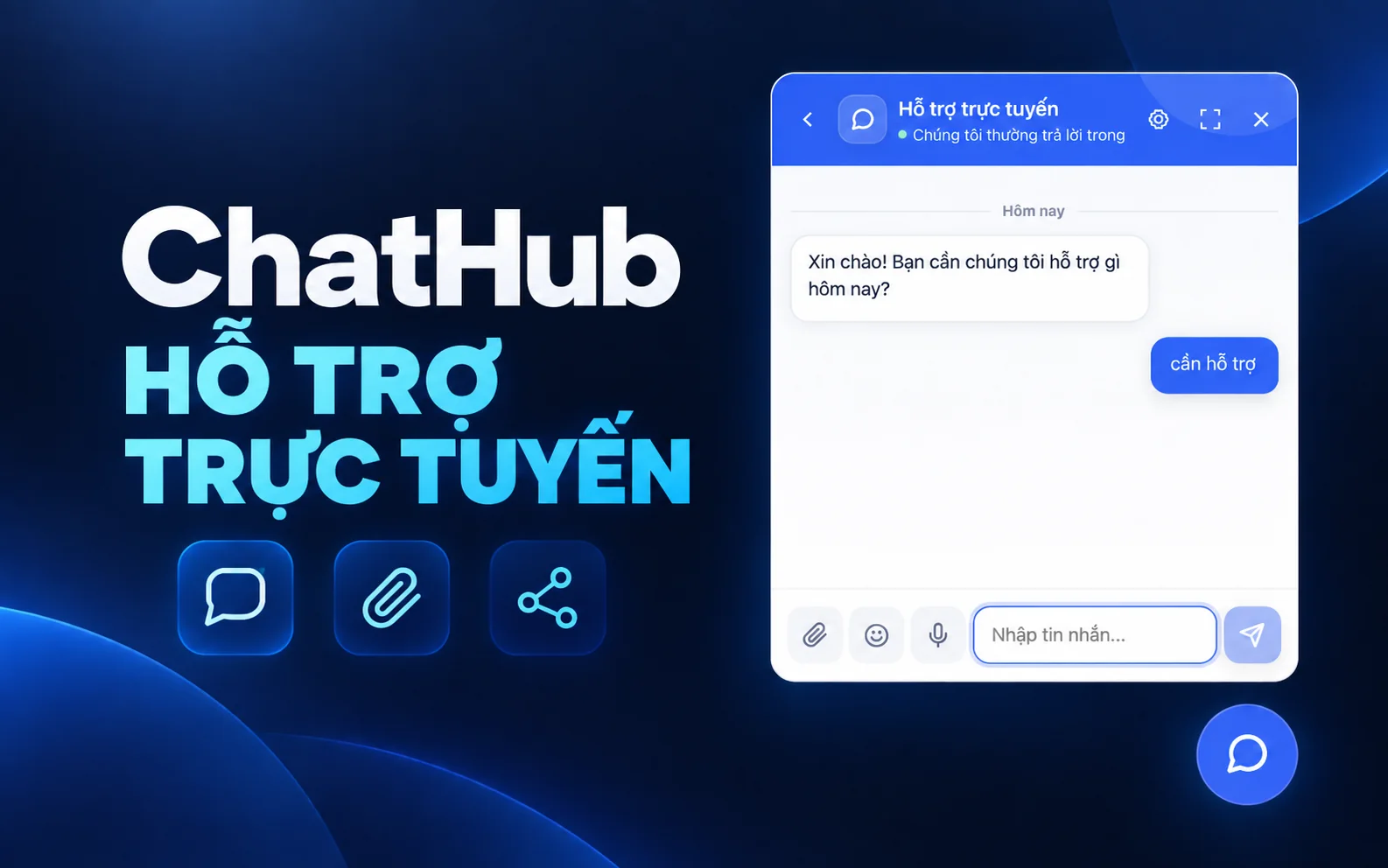
While social messaging apps are vital, your website is where visitors demonstrate high purchase intent. ChatHub includes a lightweight, easily configurable Live Chat widget.
Simply embed a single script snippet into your website HTML (or via Google Tag Manager) to launch a responsive chat widget. Inquiries made on your site flow directly into your ChatHub inbox for immediate attention by bots or agents.
- Brand styling: Customize theme colors, avatars, greeting headers, and launcher positioning to blend with your website aesthetics.
- Pre-chat intake forms: Collect names, email addresses, or phone numbers before opening chat to capture high-value sales leads.
- Persistent conversation sessions: Visitors returning after days or navigating between pages maintain their continuous chat history.
8. Rolling Out ChatHub: Practical Advice for Getting Started
To maximize ROI without overwhelming your staff, you don't need to link every platform or assemble convoluted bots on day one. Adopt a phased approach:
- Phase 1 – Channel consolidation: Connect your 2–3 busiest messaging channels (such as Facebook Page, Zalo, and Telegram) so agents settle into the unified inbox.
- Phase 2 – Welcome greeting & FAQ automation: Deploy a straightforward workflow that greets newcomers, answers top questions, and gathers inquiry topics.
- Phase 3 – AI Agent & automated fulfillment: Feed training guides into the knowledge base for contextual AI replies and turn on automated checkout or booking flows.