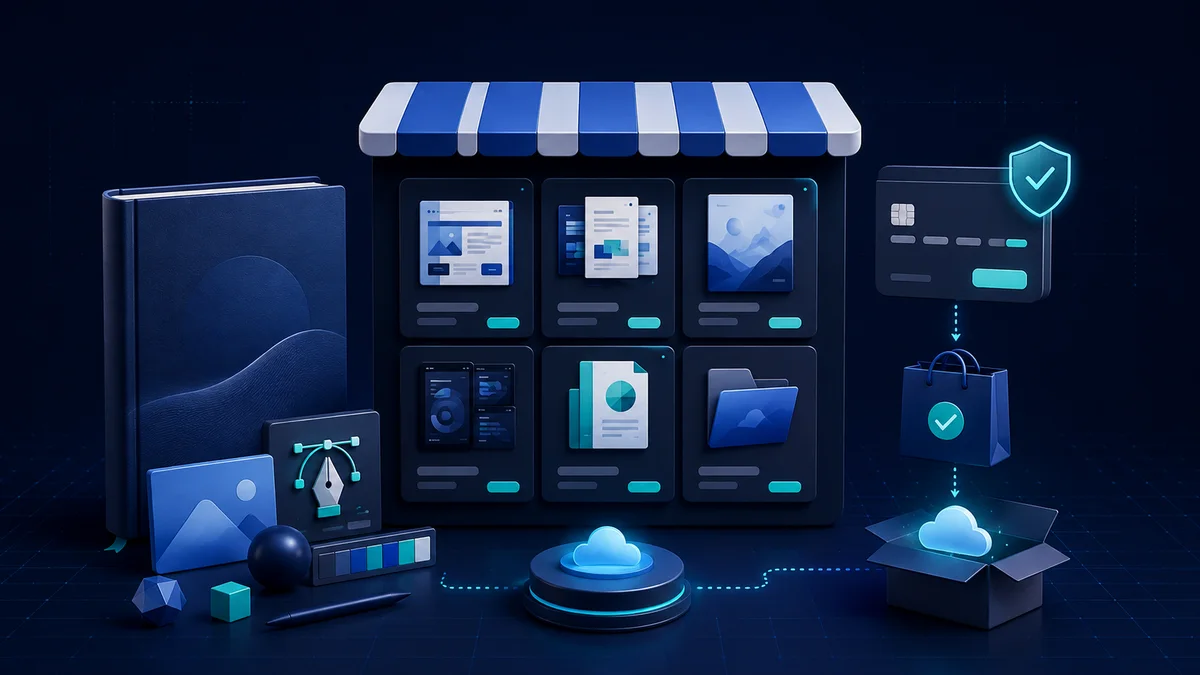

A website selling premium accounts or licence keys can automate everything from taking payment to handing over the product. The technical platform is only one part though; what makes it sustainable is legitimate supply, a clear licence scope and the ability to support customers after the sale.
This article focuses on distribution models the vendor actually permits. Do not trade in hijacked accounts, account sharing that breaches the terms, or keys of unknown origin.
Verify your supply and distribution rights
- Keep the contract, invoice or document that proves your right to resell.
- Read the terms on region, device count, duration and transferability.
- Do not advertise a personal account as a business plan if the vendor does not allow it.
- Track the vendor's rate of faulty keys, revocations and turnaround time.
- Have a plan to stop selling immediately if your distribution rights change.
The structure the website needs
- Categories and filters that help customers find the right product type.
- Detail pages stating the platform, region, duration, device count and activation conditions.
- A cart or express purchase flow optimised for mobile.
- An area for order history, key retrieval and support requests.
- Easy-to-find contact, terms, privacy, refund and warranty pages.
Design an automated order flow
- 01
Take the purchase request
Lock the price and stock while the customer completes payment.
- 02
Verify the payment
Check the transaction server-side and make sure each transaction ID is processed only once.
- 03
Issue the product
Pick an unused key, record the delivery timestamp and show it only to the right customer.
- 04
Send instructions
The confirmation email needs the activation steps, the usage scope, the duration and the support channel.
- 05
Reconcile
Track stock, failed orders, refunds and the history of key replacements.
Secure the key inventory and prevent fraud
- Encrypt sensitive data and restrict who can view the product inventory.
- Enable two-factor authentication on admin accounts and payment gateways.
- Rate-limit logins, key attempts and support requests.
- Never embed the full key list in front-end code or a publicly downloadable file.
- Keep an audit log of admin actions so anomalies can be investigated.
Operational metrics to watch
- Payment success rate and the average delivery time.
- The share of faulty products or products that had to be replaced.
- Support requests per 100 orders.
- Refund rate and its main causes.
- Profit after payment fees, support costs and fraud losses.
Note: Trust is the biggest competitive advantage a digital product website has. Product information and policies should be more specific than what customers would otherwise have to ask about.